Générateur image vers vidéo IA tout-en-un
DreamOmni est le générateur vidéo AI tout-en-un ultime. Nous offrons un accès aux modèles vidéo leaders de l'industrie, y compris Sora 2, Veo3 et DreamOmni, le tout en un seul endroit. Essayez-les de manière transparente et créez des visuels époustouflants sans jongler entre plusieurs plateformes !



Animez vos images avec notre générateur vidéo IA à partir d'images
Transformez n'importe quelle image statique en une histoire vivante avec DreamOmni ! Générez des vidéos créatives à partir de vos photos téléchargées avec notre générateur intelligent image vers vidéo IA. Que vous souhaitiez créer une scène réaliste ou une animation, DreamOmni peut la produire rapidement et comme vous le souhaitez.
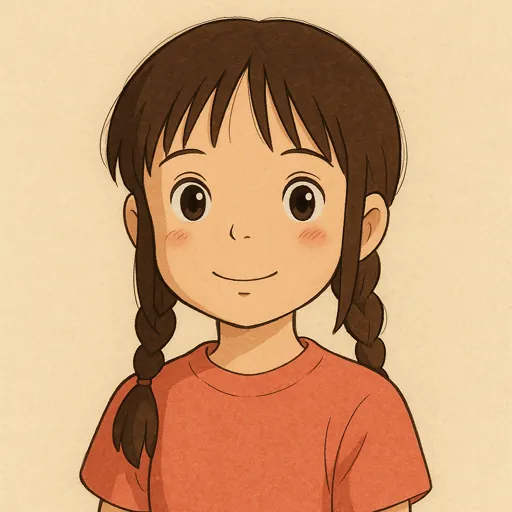
Une archère elfe en armure verte, arc long bandé, affiche un sourire mystérieux. Ses cheveux dorés ondulent naturellement dans la brise. Un travelling vertical tourne derrière elle tandis qu’une flèche verte lumineuse est décochée en douceur. La caméra suit sa trajectoire à travers une forêt dense, la lumière du soleil filtrant entre les feuilles crée des taches de lumière dansantes. La prise de vue à l’épaule donne une sensation de poursuite dynamique.
Une archère elfe en armure verte, arc long bandé, affiche un sourire mystérieux. Ses cheveux dorés ondulent naturellement dans la brise. Un travelling vertical tourne derrière elle tandis qu’une flèche verte lumineuse est décochée en douceur. La caméra suit sa trajectoire à travers une forêt dense, la lumière du soleil filtrant entre les feuilles crée des taches de lumière dansantes. La prise de vue à l’épaule donne une sensation de poursuite dynamique.
Parfait pour chaque créateur image vers vidéo

Transformez des photos en histoires cinématographiques
Donnez vie à votre portfolio de photographie en animant des images statiques. Créez de superbes récits visuels et présentez votre travail de nouvelles manières dynamiques qui captivent les audiences.
Questions fréquentes
Trouvez des réponses aux questions courantes sur notre service de génération vidéo IA à partir d'images.