
When you think of a video editor for social media, you're looking at a new breed of tool. It's built from the ground up for speed, engagement, and the vertical screen, helping creators pump out content that looks and feels right at home on platforms like TikTok and Instagram. Gone are the days of wrestling with complex, clunky software. These new editors are all about trendy templates and one-click effects that get the job done fast.
What Sets a Social Media Video Editor Apart
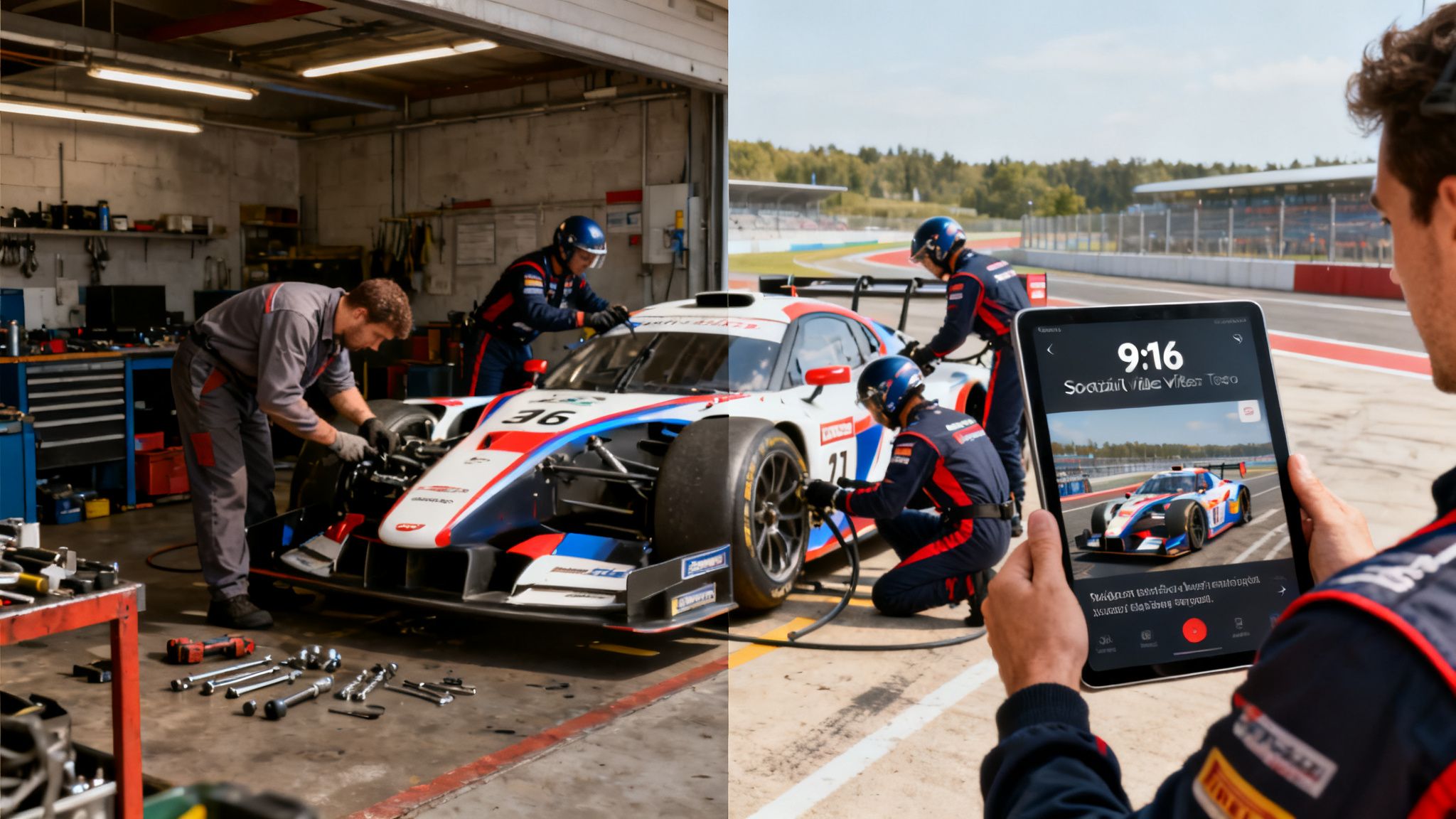
Think of a traditional video editor as a general mechanic's workshop. It's filled to the brim with powerful tools for every job imaginable, from a simple oil change to a full engine rebuild. It’s incredibly capable, but all that complexity can slow you down when all you really need is a lightning-fast tire change in the middle of a race.
That's where a video editor designed for social media comes in. It’s your Formula 1 pit crew.
Every single tool and every move is fine-tuned for one mission: maximum performance in minimum time. It isn't about having more features; it’s about having the right features, perfectly arranged for a specific, high-stakes job. This difference is everything in a world where attention is a currency and trends are born and die in a day.
Built for Speed and Vertical Video
The fundamental design is what makes all the difference. A social-media-first editor doesn’t make you hunt around for a 9:16 vertical aspect ratio; it's the default setting. It doesn't ask you to build text animations from scratch; it gives you a library of pre-made, on-trend templates that connect with what people are watching right now.
This purpose-built approach cuts through the noise of cinematic editing software. Instead, it focuses on features that actually drive engagement in a fast-scrolling feed, because it understands that getting your content out there quickly is a massive competitive edge.
AI Is Your New Creative Co-Pilot
The biggest shift we're seeing now is the arrival of artificial intelligence, which is becoming a creator's co-pilot—or in some cases, the entire production team. AI is doing a lot more than just automating boring tasks. Sure, things like automatic subtitles and smart scene detection are huge time-savers, but the real revolution is generative AI.
The goal of a modern video editor for social media is to close the gap between a great idea and a published video as quickly as possible. AI achieves this by automating not just the technical work but the creative process itself.
Tools like Nereo are really pushing the envelope here. Instead of just helping you edit, they can generate an entire 60-second video from a single text prompt. This allows you to produce high-quality, story-driven content without ever touching a timeline, searching for a single clip, or animating a character. You’re no longer just editing content; you’re directing an AI to create it for you.
This change couldn't come at a better time, as video continues to take over the internet. The stats don't lie: by 2025, video is expected to make up a staggering 82% of all internet traffic, proving its role as the king of online content. This growth is powered by our phones, with mobile devices projected to account for over 75% of all video views. To see just how big this trend is, you can explore more video editing statistics.
Must-Have Features in a Social Media Video Editor
When you're picking a video editor for social media, it's easy to get lost in a sea of features. But here’s the secret: the longest feature list doesn't win. The right tool is the one that gets out of your way and helps you create better content, faster. Think of these as the absolute essentials that separate a purpose-built social media editor from a clunky, generic one.
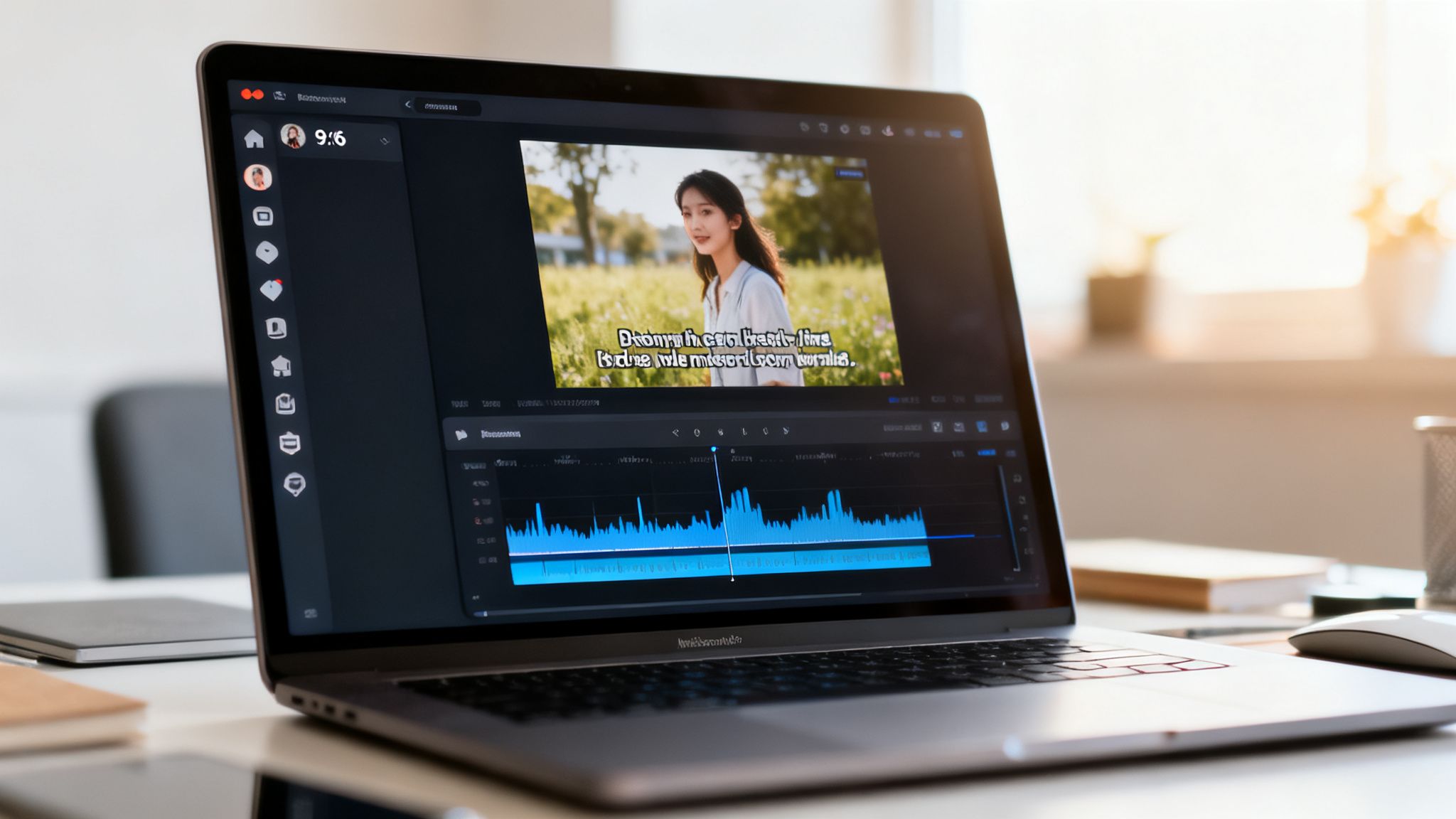
The number one, non-negotiable feature? An intuitive, mobile-first interface. When a trend is blowing up, you don't have time to fight with confusing menus or dig for hidden tools. A great social editor is built for speed, with a clean layout, drag-and-drop controls, and a feel that’s second nature on a phone.
This is all about momentum. You want to shrink the time between having an idea and hitting "upload," and a clunky UI is the biggest speed bump you can hit. The best tools feel less like complicated desktop software and more like a creative extension of the social apps you already use.
Core Creative and Accessibility Tools
Once you get past the interface, the editor needs to be packed with the right assets and accessibility tools from the get-go. These are the building blocks that turn a simple clip into a piece of content that actually connects with people.
-
Extensive Royalty-Free Audio Library: On platforms like TikTok, sound is easily 50% of the experience. A solid built-in library of licensed music and sound effects is a must-have. It saves you from the headache of sourcing audio elsewhere and, more importantly, protects you from copyright strikes that can get your video muted or taken down.
-
Dynamic Subtitle and Text Generation: Let's be real: up to 85% of social media videos are watched on silent. Captions aren't just a nice-to-have; they're essential. Your editor needs an auto-captioning tool that accurately transcribes your audio. Even better are tools that offer trendy, animated text styles to make your words pop.
-
Engaging Effects and Transitions: In an endless feed, you need to stop the scroll. This isn't about slapping on cheesy, outdated wipes. A modern editor should give you a collection of subtle, slick, and trend-aware transitions and filters that make your content look polished without feeling like you tried too hard.
These features are the foundation. They ensure your videos aren't just seen, but are actually understood and enjoyed by the biggest audience possible.
Advanced Features That Save Time
The truly great social media video editors go one step further. They offer smart features that automate the tedious, time-sucking parts of the job.
The real value of a modern editor isn't just in what it lets you create, but in how much time it gives back to you. Automation and smart templates are the key to consistent, high-quality output without burning out.
For instance, template-driven workflows are a total game-changer. Instead of facing a blank canvas every single time, you can start with a pre-built template designed for a specific trend, ad format, or style. Just drop in your clips and photos, and you've got a professional-looking video in minutes. Some tools even make it incredibly simple to create videos from images, turning your static assets into engaging short-form content.
Another feature that will save your sanity is one-click aspect ratio formatting. A good editor should let you instantly switch your project between vertical (9:16 for Reels, Shorts, and TikTok), square (1:1 for feed posts), and horizontal (16:9) without forcing you to manually re-crop every single clip. Trust me, this one feature alone can save you hours when you’re repurposing content across platforms.
Optimizing Your Content for Each Platform
It’s tempting to create one video and blast it across all your social media channels. It seems efficient, right? But in reality, that's a surefire way to get ignored. Every platform has its own unique culture, algorithm, and audience—what works on one will fall flat on another.
Think of it like being a musician. You wouldn't play the same setlist the same way at a quiet coffee shop as you would at a packed rock concert. The song might be the same, but the delivery has to match the room. To really connect, you have to adapt your content to fit the vibe of each platform. A video that feels native to TikTok can feel jarring and out of place on Instagram Reels.
This is the key difference between creators who have a one-hit-wonder and those who build a loyal, engaged following. A great video editor for social media is your best friend here, letting you quickly tweak and export different versions perfectly suited for each audience.
TikTok: The Land of Trends and Raw Energy
TikTok is all about speed, raw authenticity, and jumping on whatever is trending right now. The content is often less polished, more experimental, and built around the sounds and effects everyone is using. Viewers want unfiltered, entertaining videos that feel spontaneous.
To win on TikTok, your editing needs to be fast and punchy.
- Jump on Trends: Your editor needs to make it simple to drop in popular sounds and effects. The whole point is to join the massive conversation happening on the platform at that exact moment.
- Keep It Real: Forget the super-polished, corporate look. TikTok users connect with content that feels genuine, so don't be afraid to show your less-than-perfect side.
- Nail the Hook: The first 1-2 seconds are make-or-break. You need to stop the scroll instantly with bold text overlays, a surprising visual, or a question they can't ignore.
TikTok is not the place for a slow build-up. If a user doesn't get the point or feel entertained in a couple of seconds, they've already swiped away.
Instagram Reels: Polished Aesthetics and Community
Instagram Reels feels like TikTok’s slightly more curated, aesthetic-conscious cousin. While trends are still a big deal, there's a much greater emphasis on high-quality visuals and content that fits a creator's personal brand.
The audience on Instagram often appreciates a bit more storytelling, educational tips, and videos that are just plain beautiful to look at.
- Focus on Visual Quality: High-resolution clips and clean edits are your best bet. Aesthetic filters and smooth transitions perform really well here. You can learn more about how to apply stunning video effects to elevate your content.
- Tell a Story: Reels are perfect for mini-vlogs, tutorials, and behind-the-scenes glimpses that help build a stronger connection with your followers.
- Use On-Screen Text Strategically: Clean, informative text overlays that add value—like steps in a recipe or key takeaways—are incredibly effective.
YouTube Shorts: Discovery and Search
YouTube Shorts sits at an interesting crossroads between short-form entertainment and YouTube’s massive search engine. It shares the vertical format of its rivals, but Shorts has a unique advantage: it's tied to a user's viewing history and search habits on the main YouTube platform.
This means evergreen content—stuff that's educational, helpful, or just plain fascinating—can have a much longer shelf life.
- Create Value-Driven Content: "How-to" videos, quick tips, and amazing facts do incredibly well because they directly answer the questions people are searching for.
- Think About Your Title: Unlike on other platforms, the title and thumbnail really matter here. A compelling, keyword-rich title helps YouTube's algorithm understand what your video is about and show it to the right people.
- Ask for the Subscribe: Shorts are an absolute powerhouse for growing a channel. End with a clear call-to-action inviting people to subscribe for more great content just like it.
A quick-reference table can be incredibly helpful for keeping the technical details straight.
Social Media Video Specs at a Glance
| Specification | TikTok | Instagram Reels | YouTube Shorts |
|---|---|---|---|
| Aspect Ratio | 9:16 (Vertical) | 9:16 (Vertical) | 9:16 (Vertical) |
| Resolution | 1080x1920p | 1080x1920p | 1080x1920p |
| Max Length | 10 minutes | 90 seconds | 60 seconds |
| File Format | .MP4, .MOV | .MP4, .MOV | .MP4, .MOV |
| File Size | Up to 287 MB | Up to 4 GB | Up to 100 MB |
Remember, these specs can change, but sticking to these guidelines ensures your videos always look their best.
By tailoring your editing and your content strategy to each platform's unique culture, you're not just posting a video—you're speaking the native language of its users and its algorithm. This targeted approach is what turns views into followers.
Building an Efficient Short-Form Video Workflow
Trying to pump out compelling short-form videos day after day can feel like you're stuck on a content treadmill. Without a smart system in place, burnout isn't just a risk; it's practically a guarantee. A solid workflow is your secret weapon, turning the chaos of creation into a smooth, repeatable process for shipping great content. It’s what separates creators who randomly scramble for ideas from those who methodically build a library of bangers.
This workflow isn't just a to-do list; it's a game plan. It starts way before you even think about opening a video editor for social media. The whole point is to remove friction at every step, from dreaming up a killer idea to hitting that final export button. You want to move fast without ever sacrificing quality.
A truly effective workflow breaks everything down into bite-sized stages. This structure lets you put all your focus on one thing at a time, which keeps you from getting overwhelmed and actually makes the final video a whole lot better.
Stage 1: The Three-Second Hook
Let’s be real: your video's fate is sealed in the first three seconds. That's your "hook"—the one critical moment you have to stop someone from scrolling. Before you film a single frame or trim a single clip, you need to know exactly what that hook is. It’s the single most important part of your script.
A killer hook could be a controversial question, a jaw-dropping statistic, or a visual that just doesn't make sense at first glance. For example, instead of a boring "Here's how I make my morning smoothie," you could open with a shot of a blender exploding (safely!) with text that reads, "Are you making this smoothie mistake?"
A video without a strong hook is like a book with a boring cover—most people will just scroll on by. Your first job is to spark instant curiosity and make the viewer feel like they have to see what happens next.
Stage 2: Sourcing and Assembling Your Visuals
Once you’ve nailed down your hook and have a rough idea of where the video is going, it's time to gather your assets. This might mean shooting original footage, grabbing some B-roll clips, or collecting a few images. The key is to think visually and make sure every single clip helps tell your story.
After you have your clips, you'll pull them into your video editor. A modern editor makes this part a breeze, letting you quickly trim, rearrange, and layer clips on a timeline. Your focus here is all about pacing. You're trying to create a rhythm that holds attention and moves the story forward with energy.
This is where you start thinking about where your content will actually live.
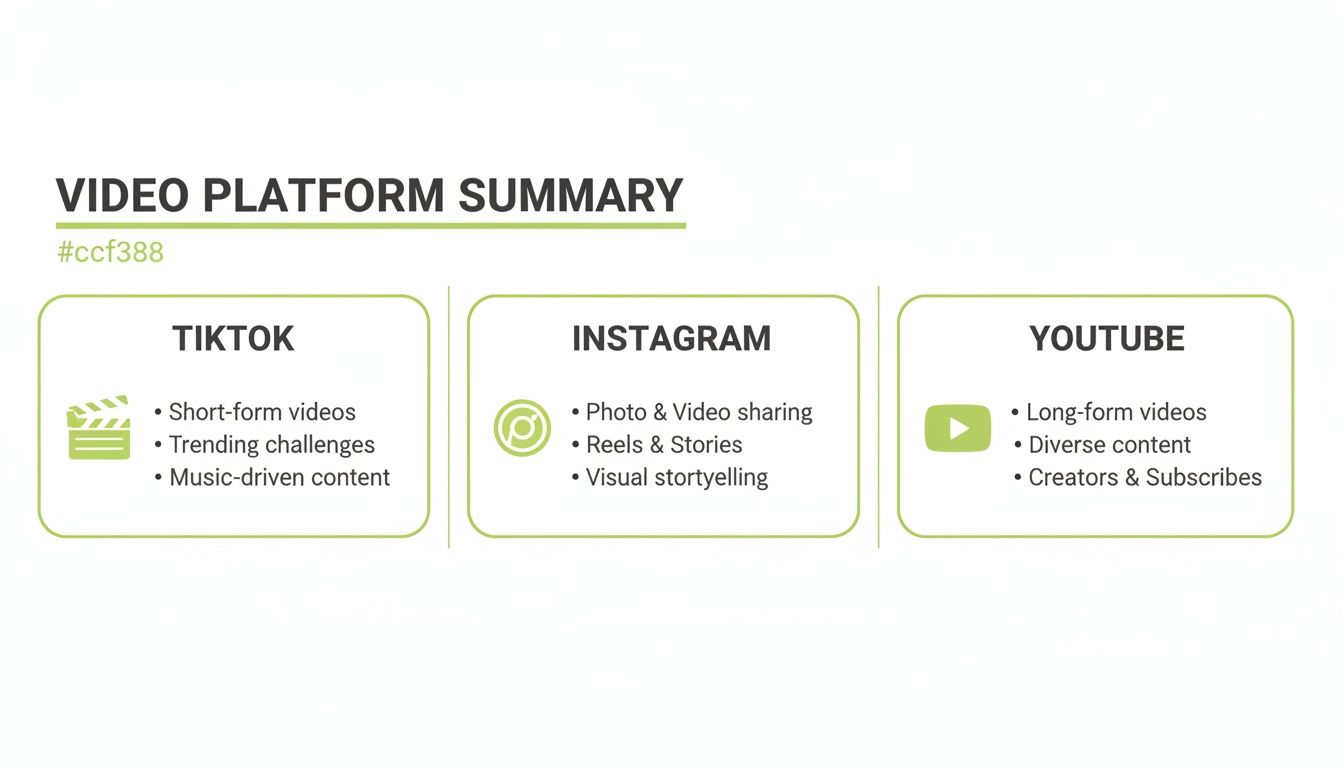
Each platform has its own vibe and audience, so having a flexible workflow that can adapt is absolutely essential.
Stage 3: Adding Overlays and Polish
Okay, the skeleton of your video is built. Now it’s time to add the layers that make it pop and bring it to life.
-
Text Overlays and Subtitles: Always add captions so people can watch with the sound off. Use dynamic text overlays to call out key points, ask questions, or just add some context. A good editor will have trendy, animated text styles ready to go.
-
Sound Design: Don't forget, audio is 50% of the experience. Find a trending sound or a royalty-free track that fits the mood. Drop in a few sound effects to emphasize actions—it makes a huge difference in how immersive the video feels.
-
Effects and Transitions: Use simple, clean transitions to move from one clip to the next. You can also apply color grading or filters to give your video a consistent look that matches your brand aesthetic.
This final polish is what separates an amateur-looking video from one that feels professional and earns your audience's trust.
The AI Revolution in Video Workflows
The traditional workflow we just walked through is being completely flipped on its head by artificial intelligence. AI isn't just for automating tiny tasks anymore; it can now handle the entire creative process from a single idea to a finished video. This is a game-changer, especially for niches that rely on complex stories or visuals.
Take an anime creator, for instance. In the past, making a 60-second animated short involved storyboarding, character design, animation, and voiceover work. We're talking about a process that could take weeks, if not months.
With an AI generator like Nereo, that entire workflow gets crushed into a single step. A creator can just type a prompt like, "Create an anime short about a lone samurai defending a village from a mythical beast," and the AI generates the whole thing—story, characters, art style, everything. This approach completely sidesteps the old production roadblocks, making it possible to create high-quality, narrative-driven content incredibly fast.
And in today's world, that speed is everything. The data shows that a whopping 89% of businesses use video as a marketing tool, with short-form content driving the best results. Plus, with 66% of consumers saying short-form is the most engaging type of content, being able to produce it at scale is a massive competitive advantage. You can discover more insights on social media video statistics to see just how big this trend has become.
How AI Is Reshaping Social Media Video
<iframe width="100%" style="aspect-ratio: 16 / 9;" src="https://www.youtube.com/embed/H60LeM4vTAg" frameborder="0" allow="autoplay; encrypted-media" allowfullscreen></iframe>
Artificial intelligence isn't just a buzzword in video editing; it's your new creative co-pilot. For years, AI has been quietly working in the background, tackling the monotonous tasks that used to eat up hours of a creator's day. It’s become an indispensable assistant, making the entire production workflow faster and a whole lot smarter.
Think of it as the ultimate production intern—one that handles all the repetitive grunt work. This frees you up to focus on what actually matters: telling a compelling story.
This shift has totally changed the speed of content creation, shrinking what used to be a multi-hour slog into a few clicks.
Automating the Tedious Work
The most obvious win with AI in a video editor for social media is how it automates the manual labor. These features are quickly becoming standard because the time you get back is undeniable.
Here are a few game-changing examples of what this looks like in practice:
- Automatic Subtitle Generation: A huge number of people watch videos with the sound off, making captions a must-have. AI can transcribe your audio with stunning accuracy in seconds, saving you from the soul-crushing task of typing it all out yourself.
- Intelligent Scene Detection: Instead of manually scrubbing through hours of footage to find the best parts, AI can analyze a long video and instantly pinpoint distinct scenes or flag the most engaging moments. This is a massive help for cutting trailers or highlight reels.
- Smart Reframing: Turning a horizontal video into a vertical short used to be a painful process of manual keyframing. Now, AI-powered smart reframing automatically keeps your subject perfectly centered, adapting your content for TikTok, Instagram Reels, or YouTube Shorts without a hitch.
These tools don’t replace your creative spark; they just get the technical roadblocks out of your way. They handle the "how" so you can nail the "what."
The Next Leap Forward: Generative AI
While AI assistance has been a huge help, the next evolution is generative AI. This is where AI stops just helping you edit and starts creating the content for you. It’s a monumental shift in the creative process, turning the AI from a simple assistant into a true creative partner.
Instead of tweaking existing footage, you can now give the AI a simple text prompt, and it will generate entirely new visual content from the ground up.
Generative AI closes the final gap between imagination and creation. It allows anyone to produce complex, high-quality video content without needing technical skills in animation, filming, or editing.
This technology is blowing the doors wide open for creators who were previously held back by massive production hurdles. For instance, creating animated stories used to demand a team of artists and animators, often taking weeks or months to produce a single minute of video.
From a Single Prompt to a Finished Short
This is where a tool like Nereo completely changes the game. It’s built to be a complete AI anime shorts generator, taking a simple idea and turning it into a fully produced 60-second video. You don’t have to find clips, design characters, or animate a single frame.
The process is incredibly straightforward:
- You write a prompt: Describe the story, the characters, and the world you have in mind. For example, "A cyberpunk detective chases a rogue android through a neon-lit city."
- The AI gets to work: It takes your concept and generates a complete story, designs original characters, establishes an art style, and produces a final, ready-to-post animated short.
This workflow condenses a process that once took hundreds of hours into just a few minutes. By exploring how AI can generate video from a text prompt, you can now pump out unique, story-driven content at a scale that was pure science fiction just a few years ago. Your feed will never be empty again.
Got Questions About Social Media Video Editors? We've Got Answers.
Diving into the world of social media video tools can feel like a lot. Between simple apps, powerful desktop software, and now AI generators, it’s easy to get overwhelmed. We've rounded up the most common questions creators and marketers ask to give you clear, straight-up answers.
The goal here isn't to crown one "best" tool. It's to help you find the right tool for your brand, your goals, and your content style. Let's cut through the noise so you can make a choice with confidence.
What’s the Best Video Editor for a TikTok Beginner?
If you're just getting started on TikTok, you want an editor that's simple on the surface but has some serious power under the hood. While TikTok’s own editor is a great place to learn the basics, you'll quickly find yourself wanting more control over things like text animations, sound mixing, and slick transitions.
Look for tools built around templates. They give you a proven structure to drop your clips into, which takes a ton of guesswork out of pacing and effects. A clean, drag-and-drop interface is also a lifesaver, making the whole process feel less like a chore and more like play.
For beginners who want professional results without the learning curve, an AI generator like Nereo completely changes the game. You can go from a single idea to a polished, 60-second video without touching a timeline. It’s all the quality, none of the headache.
Do I Really Need to Pay for a Video Editor?
Honestly, no, you don't need a paid editor to start. But if you're serious about growing your audience, the perks of a paid plan are hard to ignore. Free tools are perfect for messing around and getting a feel for things, but they often come with roadblocks.
Here’s what you usually run into with free versions:
- Watermarks: Nothing screams "amateur" like a big, distracting logo plastered over your video.
- Lower Export Quality: Free tools often limit you to 720p exports. Paid plans unlock that crisp 1080p or even 4K quality that looks so much better on modern phones.
- Limited Assets: Your access to trendy songs, sound effects, and premium video templates will likely be restricted.
For anyone building a brand or marketing a business, a paid subscription is a smart investment. You get your time back, your content looks more professional, and you get access to features that help your videos perform better.
How Can AI Help Me Make Social Media Videos Faster?
AI is a massive shortcut for video creators, and it works in two main ways. First, it can take over all the tedious, repetitive tasks that used to eat up hours of your time.
Think of it as having a super-fast assistant that can handle:
- Auto-Subtitling: Instantly turning spoken words into on-screen captions.
- Scene Detection: Automatically chopping up long videos into usable clips.
- Smart Music Suggestions: Finding the perfect soundtrack that matches the vibe and timing of your video.
But the real revolution is in generative AI. Tools can now build entire videos from scratch based on a simple text prompt. With a platform like Nereo, you can type out a story idea, and the AI will generate a complete, 60-second animated video. This shrinks a workflow that used to take days into just a few minutes, making it possible to create great content, consistently.
What’s More Important for Going Viral: Story or Quality?
Here’s the truth: story is king, but quality is the castle it lives in. You absolutely need both, but they play different roles.
A fantastic story with a killer hook is what stops the scroll. It’s the emotional punch or the fascinating idea that grabs someone's attention in the first three seconds and makes them want to see what happens next. A 4K video with no story is just pretty, forgettable noise.
At the same time, bad quality can kill a great story. If your video is shaky, the audio is muffled, or the resolution is grainy, people will just swipe away. It sends a signal that the content isn't professional, and you lose their trust. The videos that truly pop off are the ones that nail both: a story that connects and a clean presentation that doesn't get in the way. That’s why a good editor is so crucial—it gives your great ideas the polish they deserve.
Ready to create stunning anime shorts for TikTok, Reels, and YouTube without the hassle of editing? With Nereo, you can generate complete 60-second videos from a single prompt. Try the world's first AI anime generator free today at nereo.io and see your ideas come to life in minutes.