
Keeping up with the relentless demand for fresh, engaging content on platforms like TikTok, YouTube Shorts, and Instagram is a full-time battle. Creators and marketers are constantly under pressure to produce more, faster, and better. This is where artificial intelligence transforms the game. The right ai tools for social media marketing don't just automate tasks; they unlock new creative possibilities, from generating entire video concepts with a single prompt to optimizing ad spend with predictive analytics.
This guide moves beyond generic lists to give you a strategic look at 12 powerful AI tools categorized by their primary function. We cut through the hype to provide a clear, actionable resource designed to help you build a smarter, more efficient content engine. Instead of just telling you what each tool does, we show you how to use it effectively.
Inside, you will find:
- Detailed Breakdowns: For each platform, we analyze key features, pricing, and provide an honest assessment of its pros and cons.
- Practical Use Cases: Discover specific workflows, including how to pair these tools with Nereo to streamline your TikTok and YouTube Shorts production.
- Targeted Recommendations: Get quick suggestions tailored for TikTok creators, YouTube Shorts producers, advertisers, and e-commerce marketers.
We provide direct links and screenshots for every tool, allowing you to quickly evaluate and implement the best solutions for your specific needs. Our goal is to help you find the right combination of AI platforms to solve your biggest social media challenges, whether that’s scaling video creation, improving ad creative, or gaining deeper audience insights.
1. Nereo
Nereo stands out as a premier, all-in-one AI video and image studio, engineered specifically for the rapid production of social media content. It uniquely addresses a major bottleneck for marketers and creators: producing high-quality, engaging short-form video at scale. Nereo achieves this by transforming a single text prompt or reference image into a complete, 60-second anime-style short, ready for publishing without any external editing.
This platform consolidates access to a curated selection of top-tier generative models, including Sora 2, Veo 3, and Seedance, all within a single interface. This eliminates the need to subscribe to multiple services and allows users to select the best model for their specific creative vision, making it one of the most versatile ai tools for social media marketing available. Its focus on character consistency tools is a significant advantage, enabling brands to maintain a coherent visual identity across multiple scenes and campaigns.
Key Strengths & Use Cases
Nereo is built for efficiency and speed, with most videos rendering in 1 to 5 minutes. The output is optimized for platforms like TikTok, YouTube Shorts, and Instagram Reels, supporting 9:16, 1:1, and 16:9 aspect ratios with up to 1080p MP4 downloads.
- For Advertisers: Quickly generate a high volume of anime-style ad creatives for A/B testing campaigns, turning product descriptions or campaign concepts into visually compelling video ads.
- For E-commerce Marketers: Create engaging product showcases or animated narratives around a brand's story, ideal for capturing attention in crowded social feeds.
- For TikTok & YouTube Shorts Creators: Produce a consistent stream of content by turning story ideas into fully realized anime shorts, bypassing complex animation and editing workflows.
Pro Tip: Use the image-to-video and reference-to-video modes to ensure your brand's specific aesthetic or product style is accurately reflected in the final animation, giving you greater creative control.
Nereo at a Glance
| Feature | Details |
|---|---|
| Best For | Rapidly creating polished, ready-to-publish short-form anime video content for social media advertising, e-commerce marketing, and creator channels. |
| Pricing | Offers free trial credits for new users. Paid plans start with a basic tier and scale up to provide commercial usage rights and increased generation credits. |
| Pros | One-prompt creation for 60-second shorts, access to multiple elite AI models, strong character consistency tools, and outputs optimized for all major social platforms. |
| Cons | Video output is capped at 1080p, which may not suit ultra-high-definition production needs. Commercial licensing requires a paid subscription. |
| Website | https://nereo.io |
2. Hootsuite
Hootsuite has evolved from a pioneering social media scheduler into a comprehensive management suite, now powered by its native AI assistant, OwlyWriter AI. This integration makes it a formidable platform for teams needing scheduling, analytics, and content creation unified in one dashboard. OwlyWriter helps generate post ideas, write engaging captions from simple prompts, and even suggests relevant hashtags, streamlining the content pipeline from ideation to publication.
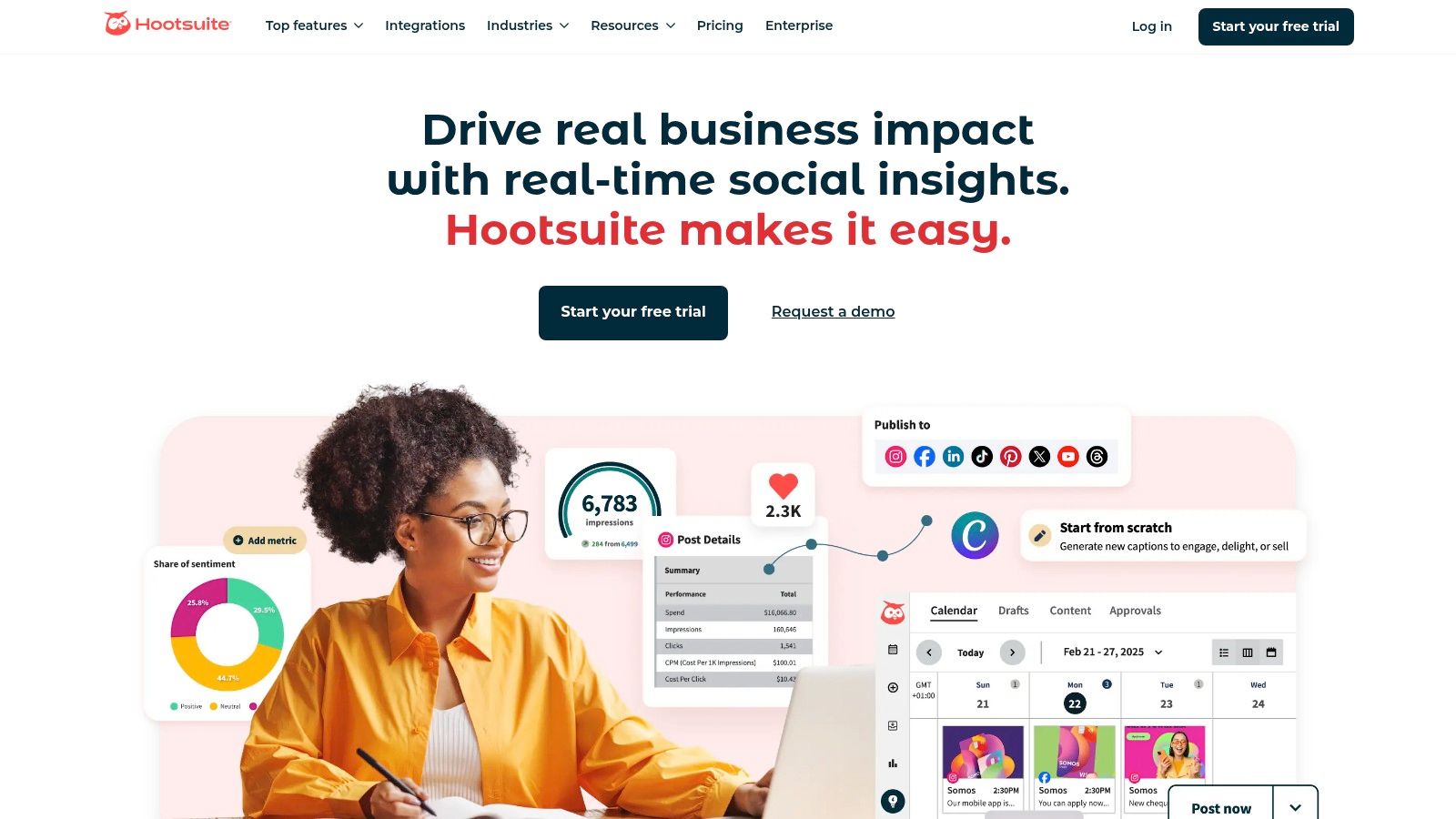
What sets Hootsuite apart is its enterprise-grade foundation, offering robust team collaboration features like approval workflows and granular permissions. This is complemented by deep analytics, including competitor benchmarking and AI-driven recommendations for the best times to post, helping maximize content reach and engagement. This combination of AI creation and powerful management tools positions Hootsuite as one of the most mature AI tools for social media marketing available for established teams.
Platform Breakdown
- Best For: Marketing teams, agencies, and businesses managing multiple social media accounts that need a centralized command center.
- Pricing: Plans start at $99/month for the Professional tier, scaling to custom pricing for Enterprise solutions.
- Pros: All-in-one platform for scheduling, analytics, and AI creation; strong team collaboration and security features; extensive integrations.
- Cons: Higher price point makes it less accessible for solo creators or small businesses; can have a steeper learning curve compared to simpler tools.
Example Workflow: Repurposing Content
- Generate a Nereo Video: Create a short-form video in Nereo for TikTok.
- Upload to Hootsuite: Schedule the Nereo video to post on TikTok, Instagram Reels, and YouTube Shorts.
- Use OwlyWriter AI: In the Hootsuite composer, ask OwlyWriter to "write three unique captions for this video about [topic], tailored for each platform."
- Refine & Schedule: Tweak the AI-generated captions, add platform-specific hashtags, and schedule using Hootsuite's optimal time-to-post recommendations.
Website: https://hootsuite.com
3. Buffer
Buffer is a long-standing favorite known for its simplicity and affordability, now enhanced with a built-in AI Assistant. It strikes a balance between powerful scheduling capabilities and user-friendly design, making it an ideal starting point for creators and small businesses. The AI Assistant helps users brainstorm content ideas, rewrite copy for different tones, and draft replies, integrating seamlessly into its intuitive publishing and calendar views.
What makes Buffer a standout choice is its transparent, per-channel pricing model, which offers incredible flexibility. Instead of paying for a large, preset plan, users can build a subscription that perfectly matches their needs. This approach, combined with a gentle learning curve and robust mobile apps, solidifies its position as one of the most accessible AI tools for social media marketing for those who prioritize efficiency and cost-effectiveness over enterprise-level complexity.
Platform Breakdown
- Best For: Solo creators, small businesses, and teams looking for an affordable, straightforward platform with core AI and scheduling features.
- Pricing: A generous free plan is available for up to 3 channels. Paid plans start at $6/month per channel.
- Pros: Flexible and transparent per-channel pricing; very easy to learn and use; excellent mobile apps for on-the-go management.
- Cons: Lacks the deep analytics and advanced enterprise features of competitors; some auto-publishing features are limited by network APIs.
Example Workflow: Repurposing Content
- Generate a Nereo Video: Create a vertical video in Nereo highlighting a new e-commerce product.
- Upload to Buffer: Add the Nereo video to your Buffer queue to schedule for Instagram Reels and TikTok.
- Use AI Assistant: In the composer, ask the AI Assistant to "write a persuasive caption for this product video, including a call-to-action to shop the link in bio."
- Refine & Schedule: Adjust the generated caption, add product-specific hashtags, and let Buffer publish it at a pre-set optimal time.
Website: https://buffer.com
4. Sprout Social
Sprout Social positions itself as a premium, all-in-one social media management platform, integrating sophisticated AI features to enhance user workflows. Its AI Assist tool helps refine and enhance post copy, suggest replies in the Smart Inbox, and identify trends from vast amounts of social data. This makes it a powerful asset for brands that prioritize customer care and deep analytical insights alongside their content strategy.
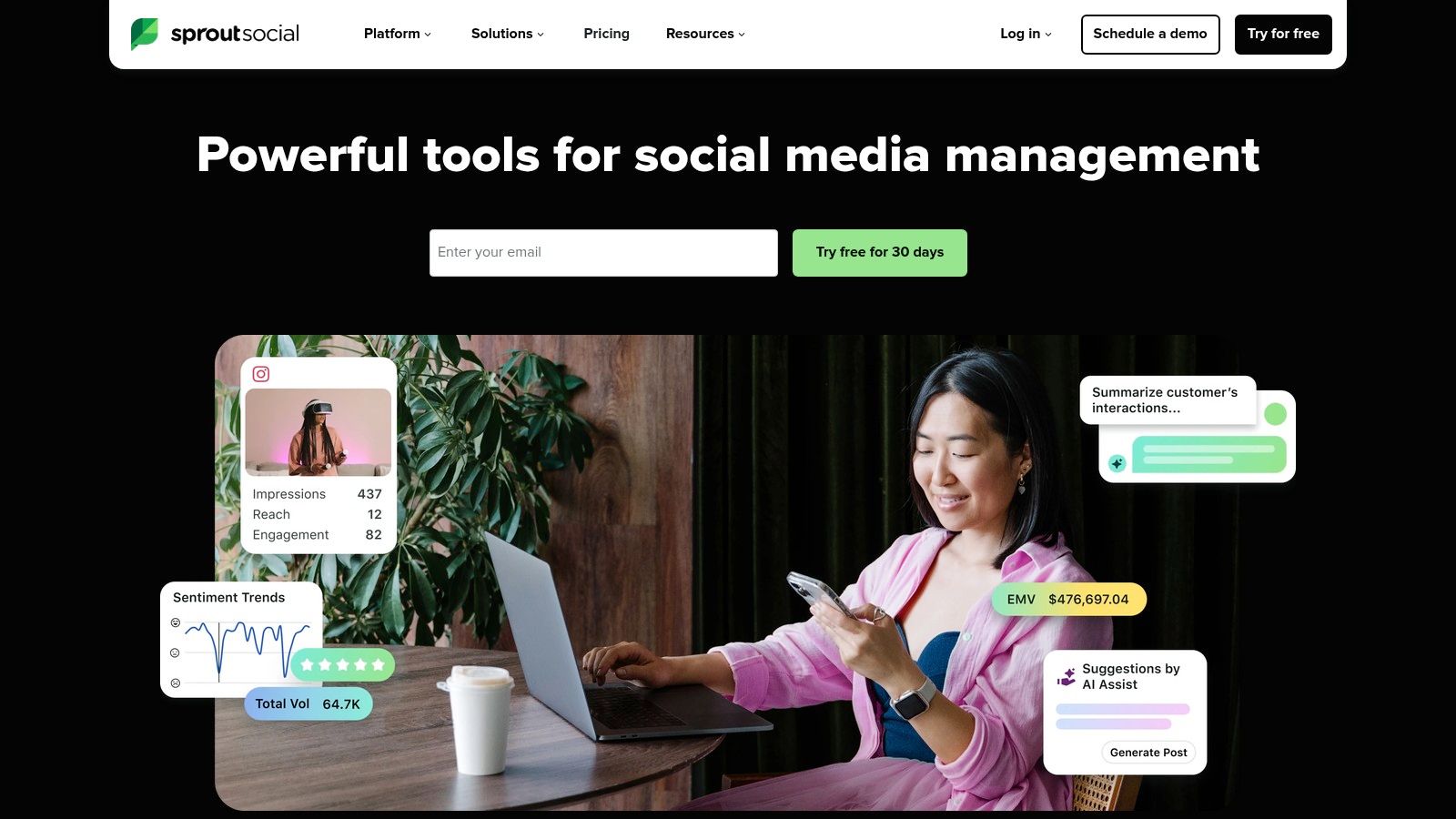
What truly differentiates Sprout Social is its enterprise-level focus on analytics, social listening, and customer care. The platform offers some of the most comprehensive reporting capabilities on the market, including detailed competitor analysis and sentiment tracking. By combining these powerful analytics with AI-driven content and reply suggestions, Sprout Social delivers a holistic solution that makes it one of the top-tier AI tools for social media marketing for data-driven organizations.
Platform Breakdown
- Best For: Mid-to-large businesses and agencies requiring in-depth analytics, social listening, and advanced team collaboration features.
- Pricing: Plans start at $249/month per user, with custom pricing for Enterprise and Agency tiers.
- Pros: Exceptional analytics and reporting depth; excellent for multi-profile and multi-team management; strong integration with CRM and helpdesk platforms.
- Cons: One of the most expensive options on the market; the per-seat pricing model can become very costly for larger teams.
Example Workflow: Repurposing Content
- Create a Video in Nereo: Produce a short-form video in Nereo explaining a new product feature for Instagram Reels.
- Schedule in Sprout Social: Upload the Nereo video to Sprout Social's composer to schedule it for Instagram.
- Enhance with AI Assist: Use AI Assist to "rephrase this caption to be more engaging" or "make this shorter and add a question."
- Monitor & Analyze: After publishing, use Sprout's advanced analytics to track the Reel's performance, audience sentiment, and compare its engagement against competitor content.
Website: https://sproutsocial.com
5. Canva
Canva has become a powerhouse design tool for social media, evolving far beyond simple templates with its AI-powered Magic Studio suite. This integration allows creators to instantly generate designs, write copy with Magic Write, and transform ideas into polished visuals with minimal effort. Its strength lies in its massive library of social-media-first templates, making it incredibly fast to produce everything from Instagram stories to YouTube thumbnails and ad creatives.
What truly distinguishes Canva is its accessibility. It democratizes design for non-designers while still offering robust features for professionals, like brand kits and team collaboration. The one-click Magic Switch feature, which resizes a design for multiple platforms, is a massive time-saver for campaigns that span TikTok, Reels, and Shorts. This combination of speed, an enormous asset library, and integrated AI features makes Canva one of the most versatile AI tools for social media marketing for visual content creation.
Platform Breakdown
- Best For: Solo creators, marketers, and teams needing to quickly create a high volume of visual content like thumbnails, posts, and ads.
- Pricing: A robust free plan is available. Paid plans start with Canva Pro at $14.99/month, with custom pricing for Teams.
- Pros: Very fast asset creation for all social formats; huge library of templates and stock assets; easy to use for non-designers.
- Cons: Advanced video editing capabilities are limited compared to specialized software; team plan structures can be complex.
Example Workflow: Creating a TikTok Video Thumbnail
- Create in Nereo: Generate a short-form video in Nereo for your TikTok account.
- Screenshot a Keyframe: Take a high-quality screenshot from the most engaging moment of your Nereo video to use as a base.
- Use Magic Design: Upload the screenshot to Canva and use Magic Design. Prompt it to "create a viral TikTok thumbnail for a video about [your topic]" to get instant template options.
- Refine with Magic Write: Select a design and use Magic Write to generate compelling, click-worthy text overlays like "You Won't Believe This Hack!" and add brand elements before exporting.
Website: https://www.canva.com
6. Adobe Express
Adobe Express brings the power of Adobe's creative suite into an accessible, web-based tool perfect for rapid social media content creation. It integrates Adobe Firefly, a generative AI engine trained on licensed content, making its outputs commercially safe. This allows marketers to confidently use features like Generative Fill to add or remove objects from images and create stunning text effects from simple prompts, all within a user-friendly design interface.
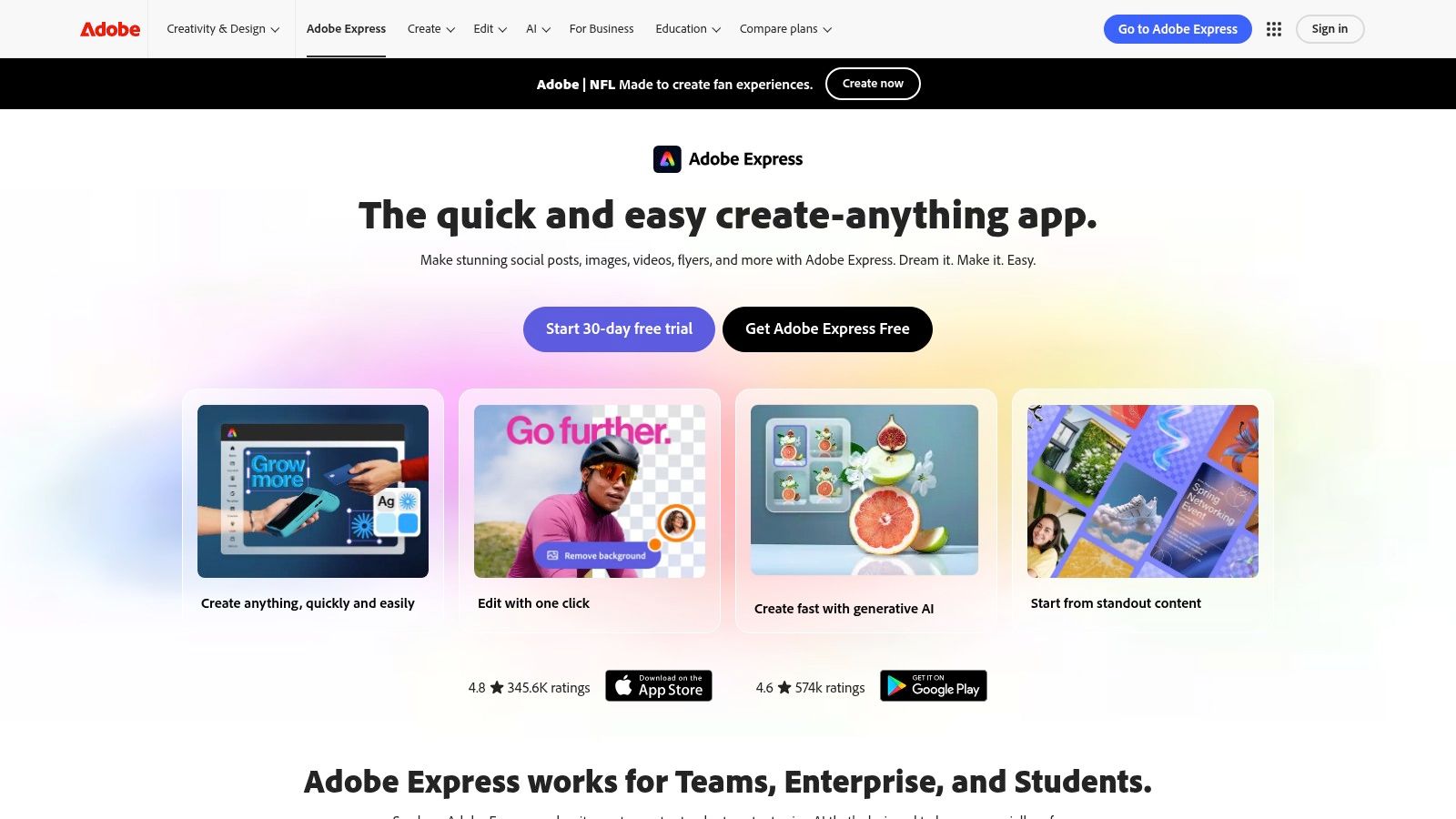
What makes Adobe Express stand out is its balance of powerful design tools and practical social media management features. Users can access a vast library of templates and stock assets, resize designs for any social platform with one click, and schedule posts directly to multiple networks. This combination of AI-powered creation and scheduling makes it one of the most versatile AI tools for social media marketing, especially for teams that need to produce high-quality, branded visuals consistently.
Platform Breakdown
- Best For: Social media managers, content creators, and marketing teams needing a unified tool for creating, scheduling, and managing visual content.
- Pricing: A free plan is available. The Premium plan starts at $9.99/month and includes more generative credits and access to the full asset library.
- Pros: Commercially-safe AI with strong IP posture; good balance of image/video tools and scheduling; integrates into the broader Adobe ecosystem.
- Cons: Generative AI uses a credit system that needs monitoring; exact US pricing and offers can vary, so verify at checkout.
Example Workflow: Repurposing Content
- Generate a Nereo Video: Create a compelling short-form video in Nereo for your campaign.
- Create a Thumbnail in Express: Upload a still from the Nereo video to Adobe Express. Use Generative Fill to add engaging background elements or Text Effects to create a click-worthy title.
- Animate the Thumbnail: Use a simple animation preset in Express to turn your static thumbnail into a short, looping video teaser. If you need more advanced options, you can find tools that can turn an image into a video with more dynamic effects.
- Schedule & Post: Schedule the original Nereo video and the animated teaser directly from Adobe Express to Instagram Reels, TikTok, and Facebook.
Website: https://www.adobe.com/express
7. CapCut
CapCut has rapidly become the go-to video editor for short-form content, leveraging its deep integration with the TikTok ecosystem. While known for its user-friendly mobile interface, its desktop and web versions pack powerful AI features like auto-captions, background removal, and smart templates. This makes it an incredibly efficient tool for creators and marketers looking to produce high-quality, trend-aligned vertical videos for TikTok, Reels, and Shorts without a steep learning curve.
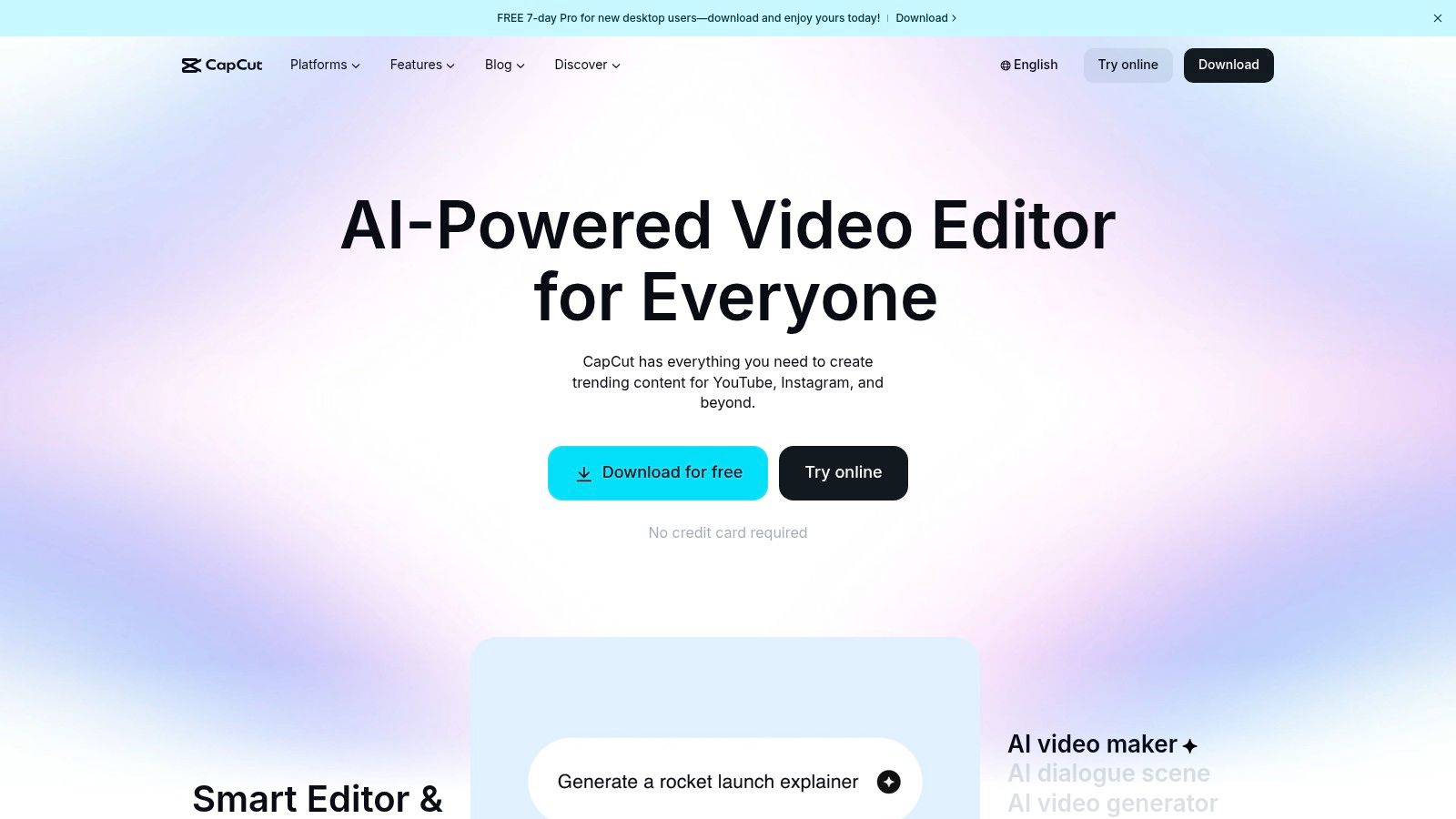
What makes CapCut stand out is its speed and optimization for social workflows. AI features simplify complex editing tasks into single clicks, while its vast library of trending sounds and effects ensures content remains relevant. The platform’s cloud-based features and team collaboration spaces (in paid tiers) bridge the gap between a simple mobile editor and a professional production tool. This accessibility and power make it one of the most practical AI tools for social media marketing for anyone focused on video.
Platform Breakdown
- Best For: TikTok creators, social media managers, and e-commerce brands who need to quickly create engaging vertical videos.
- Pricing: A robust free version is available. CapCut Pro starts around $7.99/month, unlocking premium effects, cloud storage, and advanced features.
- Pros: Highly optimized for vertical short-form video; very strong free tier and intuitive interface; seamless workflow for TikTok.
- Cons: Advanced color grading and audio mixing tools are limited compared to professional software; credit and feature limits can vary by platform and region.
Example Workflow: Enhancing a Nereo Video
- Generate a Nereo Video: Create a product showcase video in Nereo, perhaps using its text-to-image capabilities to generate unique backgrounds.
- Import to CapCut: Upload the Nereo video into a new CapCut project on desktop or mobile.
- Apply AI Features: Use the Auto-Captions tool to generate and style subtitles. Apply a trending filter or effect to match the platform's aesthetic.
- Add Final Touches & Export: Add a trending sound from the TikTok library directly within CapCut, then export in high resolution for direct upload to TikTok, Reels, and Shorts.
Website: https://www.capcut.com
8. Opus Clip (Opus.pro)
Opus Clip is a powerful AI repurposing tool designed to transform long-form video content into engaging, short-form viral clips. It’s an essential asset for creators and marketers looking to maximize their content output from podcasts, webinars, or streams. The platform’s AI analyzes videos to identify the most compelling moments, automatically reframes them for vertical viewing, adds dynamic captions, and even assigns a "virality score" to predict performance.
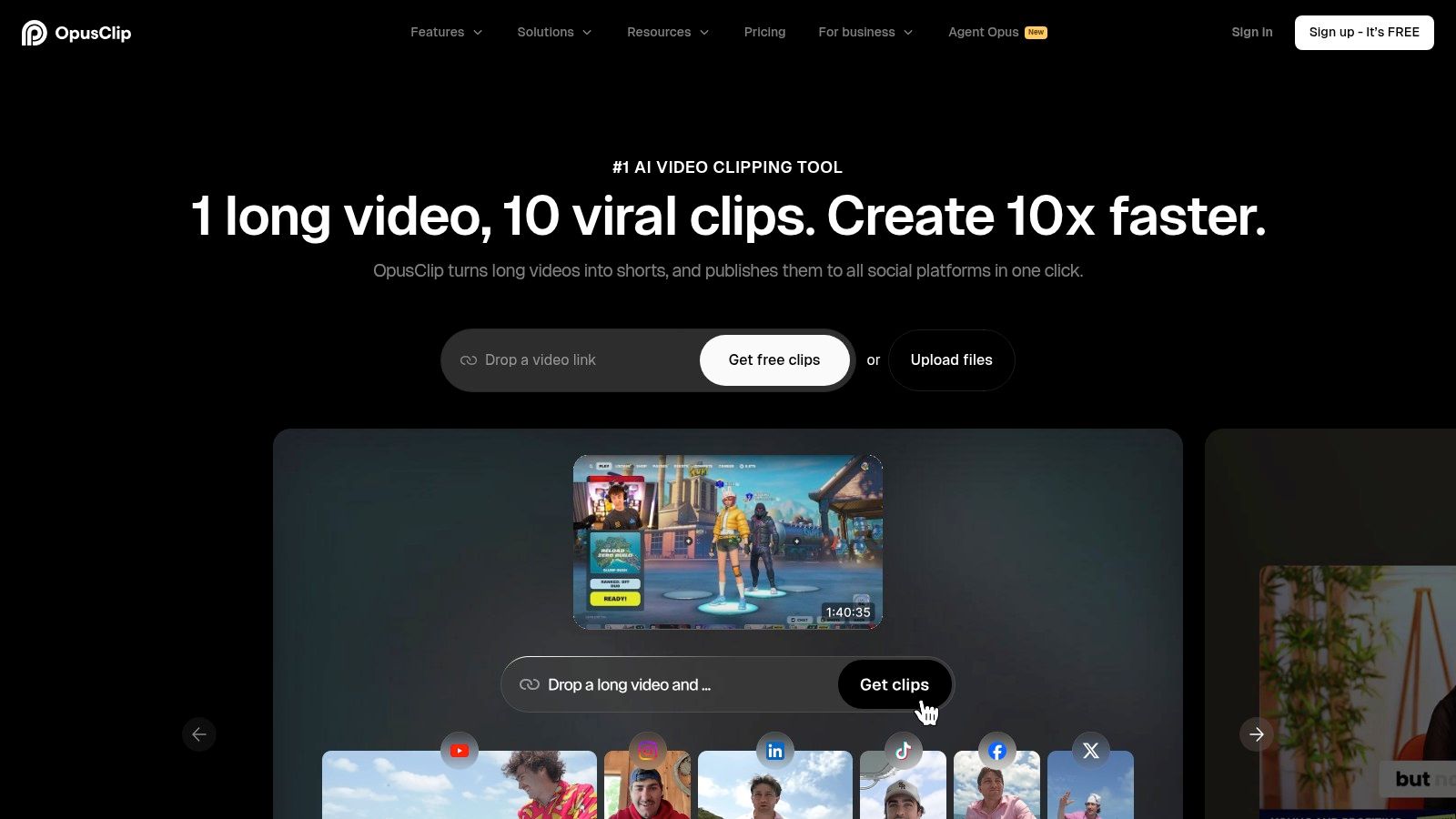
What truly sets Opus Clip apart is its "one-click" workflow that generates multiple ready-to-post clips from a single source, complete with B-roll suggestions and brand templates. This automated process drastically reduces editing time, allowing marketers to scale their short-form video strategy across TikTok, Reels, and Shorts with minimal effort. For teams wanting to bridge the gap from written content to video, you can explore text-to-video solutions that complement this workflow. By automating the most tedious parts of video editing, Opus Clip stands out as one of the most efficient AI tools for social media marketing.
Platform Breakdown
- Best For: Podcast hosts, streamers, and content teams who need to efficiently repurpose existing long-form video into a high volume of short-form clips.
- Pricing: Offers a free trial. Paid plans are credit-based, starting from $19/month for 200 processing minutes. Annual plans provide pooled credits.
- Pros: Dramatically speeds up short-form video creation; AI-driven highlight detection is highly effective; virality score helps prioritize content.
- Cons: Processing is credit-based, which can become costly for users with heavy volume; advanced features like team workspaces are limited to higher-tier plans.
Example Workflow: Repurposing Content
- Generate a Nereo Video: Create a 10-minute explainer video in Nereo about your new product feature.
- Upload to Opus Clip: Paste the Nereo video's YouTube link into Opus Clip.
- Let AI Work: The AI will automatically identify 5-7 key moments, reframe them to 9:16, and add engaging captions.
- Refine & Export: Review the AI-generated clips, make minor edits to the captions or timing, and export them directly to your scheduler or device for posting on TikTok and Instagram Reels.
Website: https://www.opus.pro
9. Descript
Descript revolutionizes video and audio editing by making it as simple as editing a text document. Its core feature is AI-powered transcription that allows you to edit media by cutting, pasting, and deleting words in the script. This text-based workflow is a game-changer for social media marketers, especially for creating quick cutdowns, adding clean captions, and turning long-form podcasts into shareable social clips with minimal effort.
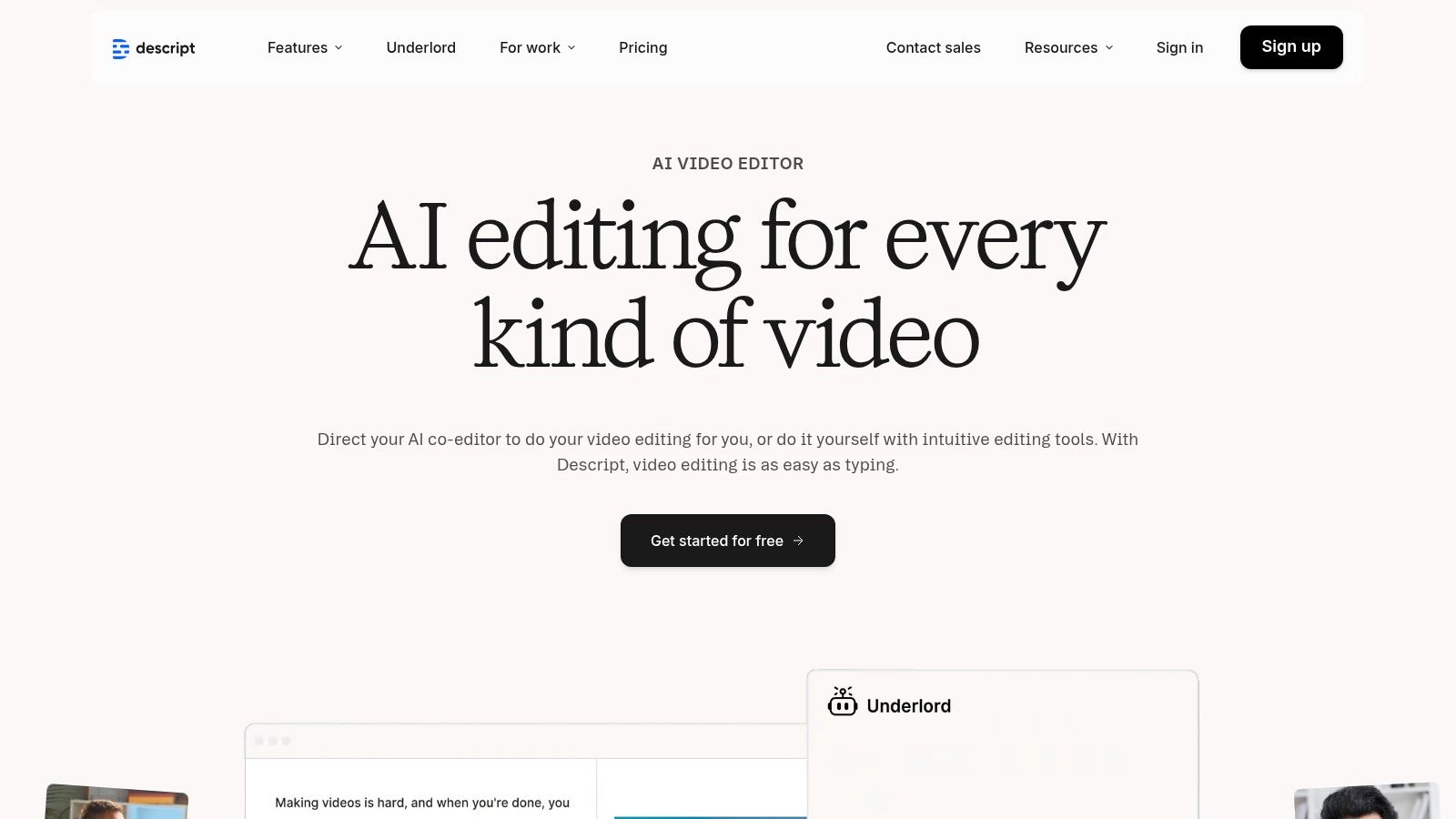
What makes Descript stand out are its powerful AI enhancements like "Studio Sound," which removes background noise and enhances voice quality with a single click, and "Overdub," which lets you clone your voice to correct audio mistakes. The platform's ability to automatically remove filler words ("um," "uh") saves hours of manual editing, positioning it as one of the most efficient AI tools for social media marketing when it comes to refining talking-head content and interviews for platforms like TikTok and YouTube.
Platform Breakdown
- Best For: Content creators, podcasters, and marketers who need to quickly edit dialogue-heavy video and audio for social media.
- Pricing: A free plan is available. Paid plans start at $12/month (Creator) and scale to $24/month (Pro) and custom Enterprise pricing.
- Pros: Extremely fast and intuitive text-based editing; excellent for podcast-to-clip workflows; high-quality AI audio enhancement and filler word removal.
- Cons: Not ideal for heavy motion graphics or complex visual effects; stronger team collaboration features require higher-tier plans.
Example Workflow: Repurposing Content
- Generate a Nereo Video: Create a short-form video in Nereo for YouTube Shorts, focusing on a single, compelling tip.
- Import to Descript: Upload the Nereo video into a new Descript project. It will be automatically transcribed.
- Refine with AI: Use the text editor to trim any pauses or mistakes. Apply "Studio Sound" to enhance the audio and run the filler word removal tool.
- Add & Export: Use Descript's template tools to add a dynamic title and burn the captions directly into the video before exporting, ensuring it's ready for silent viewing on Instagram or TikTok.
Website: https://www.descript.com
10. Kapwing
Kapwing is a powerful, browser-based video editor designed for speed and accessibility, making it a favorite among social media creators and marketing teams. Its suite of AI tools is built to tackle the most time-consuming parts of video editing, such as generating accurate subtitles, translating audio, and seamlessly resizing content for different platforms. The AI-powered "Repurpose Studio" allows users to quickly convert a single video into multiple formats, optimizing it for TikTok, Reels, and Shorts in just a few clicks.
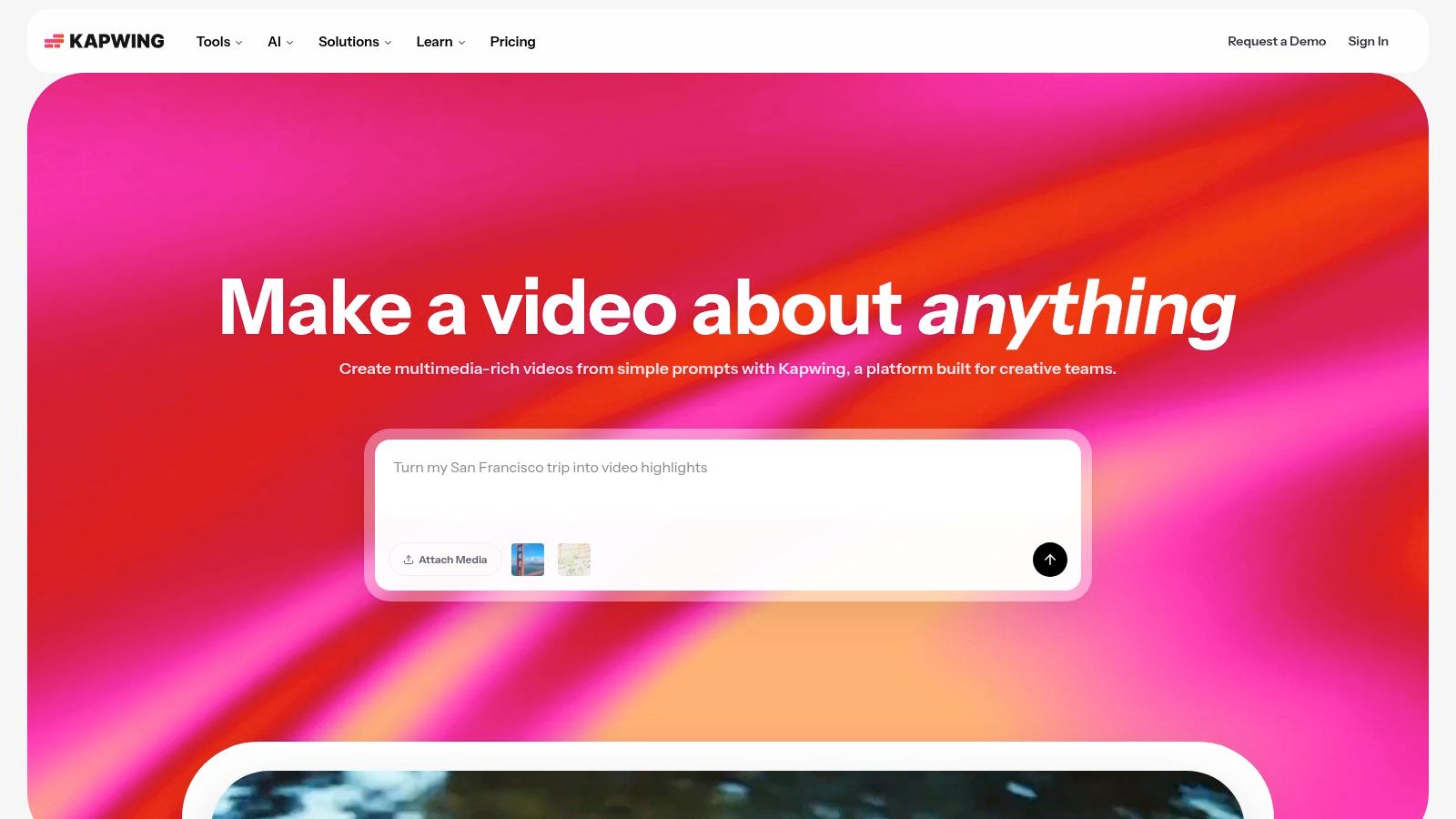
What makes Kapwing stand out is its focus on streamlining collaborative workflows without requiring any software installation. Teams can work on projects together in real-time, leveraging brand kits to maintain consistency across all video assets. While its AI features are powerful, they operate on a credit system, which encourages mindful usage. This combination of accessibility and smart AI functionality makes Kapwing one of the most practical AI tools for social media marketing for teams that need to produce high-velocity video content.
Platform Breakdown
- Best For: Social media managers, content creators, and small teams needing a fast, web-based tool for video editing and repurposing.
- Pricing: Free plan with watermarked exports. Pro plan starts at $16/month (billed annually), with Business plans offering advanced AI features like dubbing.
- Pros: Very quick for subtitling and resizing to social formats; clear credits model for AI usage; fully browser-based with no installs required.
- Cons: Heavy AI features consume credits quickly; free exports include a watermark.
Example Workflow: Repurposing Content
- Generate a Nereo Video: Create a main short-form video in Nereo.
- Upload to Kapwing: Upload the video to a new Kapwing project.
- Use AI Captions: Click "Subtitles" and use the AI tool to auto-generate captions. Review and edit for accuracy.
- Repurpose & Export: Use the "Repurpose Studio" to create 9:16 (TikTok/Reels) and 1:1 (feed post) versions, then export each format to share across your channels.
Website: https://www.kapwing.com
11. TikTok Creative Center — Symphony Assistant
For creators and advertisers aiming to master TikTok, going straight to the source is often the best strategy. TikTok’s own Symphony Assistant, housed within the Creative Center, is an AI designed to demystify the platform's algorithm and creative best practices. It acts as a specialized brainstorming partner, providing script ideas, identifying emerging trends, and analyzing top-performing ads to give you a blueprint for what currently resonates with users.
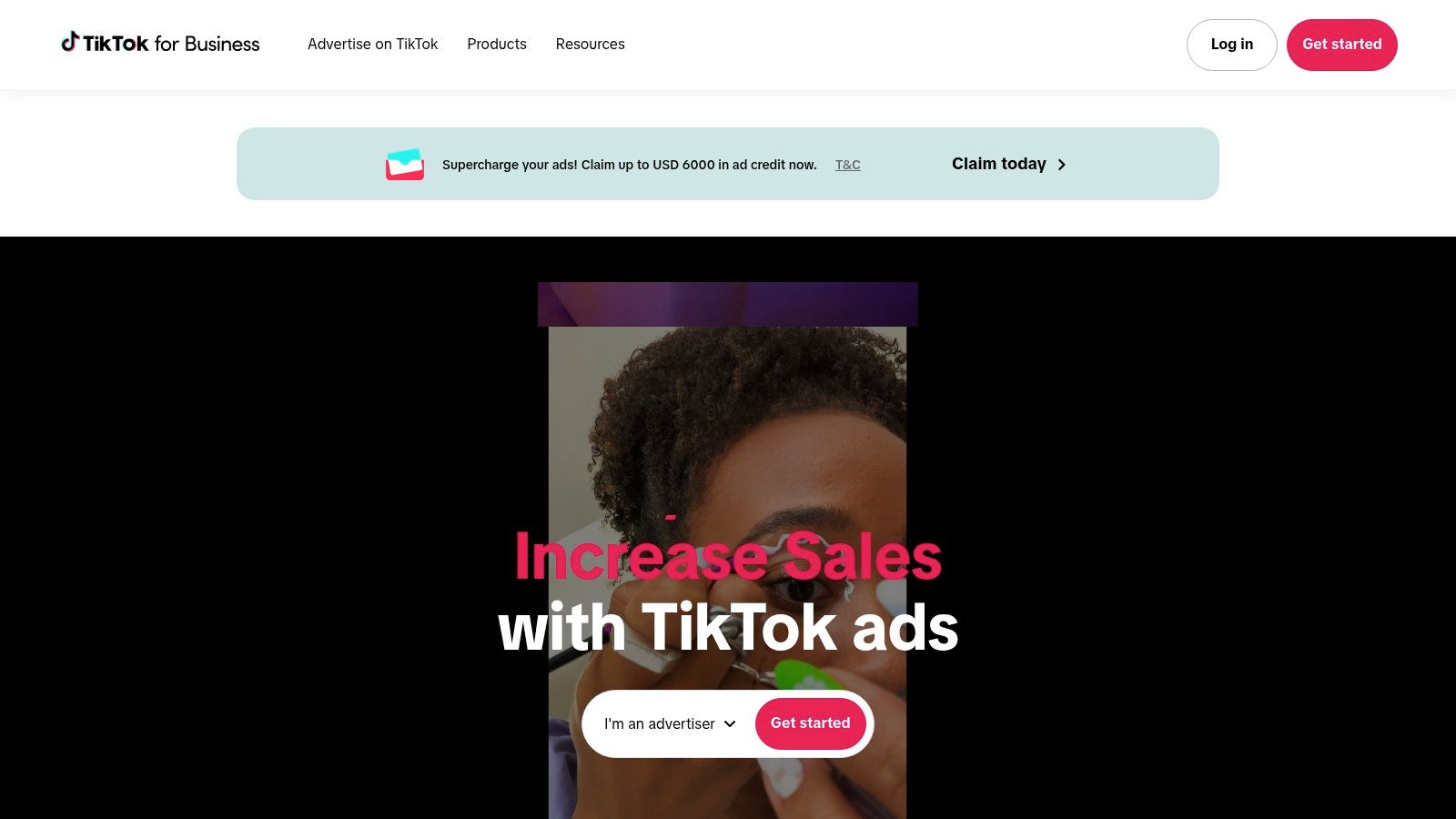
What makes Symphony Assistant invaluable is its foundation in first-party data. Unlike general AI tools, its suggestions are based on real-time insights from TikTok itself, offering unparalleled guidance on ad creation and organic content strategy. It helps you think like a TikTok native, generating video outlines and hooks that feel authentic to the platform. This focus makes it an essential pre-production tool for anyone serious about building a presence on TikTok, whether for organic growth or paid campaigns.
Platform Breakdown
- Best For: Advertisers, e-commerce marketers, and creators focused on optimizing their TikTok content and ad creative.
- Pricing: Free to use within the TikTok Creative Center.
- Pros: Official first-party data and insights; excellent for ad research and brainstorming; helps generate platform-native ideas and scripts.
- Cons: Strictly a pre-production and research tool, not a video editor or scheduler; its utility is limited entirely to the TikTok ecosystem.
Example Workflow: Repurposing Content
- Generate a Nereo Video: Create a video in Nereo based on your product or service.
- Ideate in Symphony Assistant: Open Symphony Assistant and use a prompt like, "Generate three different TikTok script ideas for a 15-second video ad showcasing a [product type] from Nereo. Focus on a 'problem/solution' hook."
- Refine & Create: Use the best AI-generated script idea to refine the Nereo video, ensuring the pacing and messaging align with TikTok best practices.
- Analyze & Publish: Before publishing, use the Creative Center to find trending audio and hashtags to pair with your new video.
Website: https://ads.tiktok.com
12. Meta Advantage+ Creative (Facebook / Instagram ads)
Meta Advantage+ Creative isn't a standalone tool but a suite of AI features built directly into the Meta Ads Manager. This native integration is designed to supercharge ad creation by automating the generation of multiple creative variations. It can instantly produce different ad copy, expand image backgrounds to fit various placements like Stories and Reels, and generate entirely new backgrounds from text prompts, allowing advertisers to test what resonates with their audience faster than ever.
What makes Advantage+ Creative so powerful is its direct link to Meta's ad delivery system. The AI doesn't just create assets; it helps optimize them in real-time based on performance, automatically allocating more budget to the winning variations. This creates a powerful feedback loop for paid social teams, drastically reducing manual A/B testing efforts and scaling creative optimization. For advertisers, this positions it as one of the most essential AI tools for social media marketing for maximizing return on ad spend.
Platform Breakdown
- Best For: E-commerce brands, DTC advertisers, and performance marketing teams running campaigns on Facebook and Instagram.
- Pricing: Free to use; features are included within the cost of running Meta ad campaigns.
- Pros: Natively integrated into Ads Manager for a seamless workflow; automates and scales creative testing; directly tied to performance optimization.
- Cons: Primarily for paid advertising, not organic content creation; feature availability can vary by ad objective and format.
Example Workflow: Repurposing Content
- Generate a Nereo Video: Create a high-performing video ad concept in Nereo.
- Upload to Ads Manager: Use the Nereo video as your primary creative in a new Meta campaign.
- Use Advantage+ Creative: In the ad setup, enable "Advantage+ Creative" to let the AI automatically generate text variations (headlines, primary text) and adjust the video's aspect ratio for placements like Stories.
- Launch & Optimize: Publish the campaign and allow Meta’s AI to test the different Nereo video and text combinations, automatically optimizing for the best-performing ad set.
Website: https://business.facebook.com
12 AI Tools for Social Media Marketing — Feature Comparison
| Product | Core features | Quality (★) | Price / Value (💰) | Target (👥) | Why it stands out (✨) |
|---|---|---|---|---|---|
| Nereo 🏆 | One-prompt 60s anime shorts; text/image→video; multi-model styles; 9:16/1:1/16:9 MP4 | ★★★★★ | 💰💰 (free trial; paid for commercial) | 👥 TikTok/YouTube creators, advertisers, e‑commerce | ✨ End-to-end anime shorts, character consistency, fast 1–5 min generation |
| Hootsuite | Scheduling, analytics, OwlyGPT AI, unified inbox | ★★★★☆ | 💰💰💰 (enterprise pricing) | 👥 Teams, social managers, enterprises | ✨ Deep analytics + workflow/permission controls |
| Buffer | Queue scheduling, AI assistant, integrations, team approvals | ★★★★☆ | 💰💰 (per-channel pricing) | 👥 Small teams, solo creators | ✨ Simple publishing, transparent pricing |
| Sprout Social | Advanced reporting, Smart Inbox, AI Assist, team workflows | ★★★★☆ | 💰💰💰💰 (premium) | 👥 Brands, agencies, large teams | ✨ Strong analytics & CRM integrations |
| Canva | Magic Design/Write, templates, stock assets, one-click resize | ★★★★☆ | 💰💰 (freemium → Pro) | 👥 Creators, marketers, designers | ✨ Fast asset creation and huge template library |
| Adobe Express | Firefly gen‑AI, templates, stock library, scheduler | ★★★★☆ | 💰💰 (subs + credit use) | 👥 Social teams wanting Adobe ecosystem | ✨ Commercially‑safe AI + Adobe integration |
| CapCut | Vertical editor, AI captions, bg removal, templates, cloud | ★★★★☆ | 💰 (strong free tier) | 👥 Short‑form creators (TikTok) | ✨ Optimized TikTok/vertical workflows |
| Opus Clip (Opus.pro) | Auto‑clipping, virality scoring, B‑roll, scheduler | ★★★★☆ | 💰💰 (credit‑based) | 👥 Creators repurposing long‑form content | ✨ Hands‑off highlight selection for scaling clips |
| Descript | Text‑based edit, overdub, Studio Sound, auto filler removal | ★★★★★ | 💰💰 (paid tiers) | 👥 Podcasters, talking‑head creators | ✨ Fast transcript-driven editing & voice tools |
| Kapwing | Browser editor, AI subtitles/dubbing, repurpose studio | ★★★★☆ | 💰💰 (free w/ watermark → paid) | 👥 Creators and small teams | ✨ Quick subtitling & format conversion in browser |
| TikTok Creative Center — Symphony Assistant | Trend discovery, script/idea generation, ad analysis | ★★★★☆ | 💰 (free) | 👥 TikTok creators & advertisers | ✨ First‑party trend + creative insights |
| Meta Advantage+ Creative | Automated ad variations, image expansion, text gen | ★★★★☆ | 💰 (ad spend + native tools) | 👥 DTC advertisers, paid social teams | ✨ Native scale for ad creative testing |
Choosing the Right AI Stack for Your Social Media Goals
Navigating the expansive landscape of AI tools for social media marketing can feel overwhelming, but the journey from manual effort to automated efficiency is more accessible than ever. As we've explored, the power of these platforms isn't just about saving time; it's about unlocking new creative potential, gaining deeper audience insights, and ultimately, driving more impactful results. The key takeaway is that there is no single "best" tool, only the best tool for your specific challenge.
From comprehensive management suites like Hootsuite and Sprout Social to specialized content creators like Opus Clip and Descript, each solution addresses a distinct pain point in the social media lifecycle. The central theme connecting them is the shift from task execution to strategic oversight. Instead of spending hours editing a single video clip, you can now generate dozens of variations with Nereo. Rather than manually A/B testing ad copy, Meta's Advantage+ can optimize creative combinations for you.
This evolution allows you, the creator or marketer, to reclaim your most valuable asset: time to think, strategize, and engage with your community.
Building Your Complementary AI Tech Stack
The most effective approach is not to find one tool that does everything, but to build a lean, complementary "stack" of two or three tools that work in harmony. Think of it as assembling a specialized team where each member excels at their role. Your goal is to cover the core pillars of social media management: ideation, creation, distribution, and analysis.
A solo TikTok creator might build a stack focused on rapid content creation:
- Ideation & Creation: Nereo for generating a high volume of unique, on-trend short-form videos from a single prompt.
- Editing & Polish: CapCut for adding granular, trend-specific effects, text overlays, and sounds.
- Analytics: TikTok Creative Center for monitoring trend performance and understanding audience response.
Conversely, an e-commerce marketing team's stack would prioritize ad performance and scheduling:
- Ad Creative: Meta Advantage+ and Canva's AI tools to generate and test a wide array of static and video ad creatives.
- Scheduling & Management: Buffer or Hootsuite to plan and automate content distribution across multiple platforms.
- Long-Form Repurposing: Opus Clip to efficiently turn webinars or product demos into social-ready clips.
Key Factors for Your Final Decision
Before committing to a subscription, consider these critical factors to ensure you're choosing the right AI tools for your social media marketing needs. Your selection process should be as strategic as the content you plan to create.
- Identify Your Biggest Bottleneck: What is the single most time-consuming task in your current workflow? Is it coming up with new video ideas? Editing raw footage? Writing engaging captions? Start by solving your most significant problem first. If video production is your main hurdle, a tool like Nereo is a logical starting point.
- Evaluate Integration Potential: The best tools don't create new information silos. Consider how a new AI platform will fit into your existing process. Can you easily export assets from your design tool (like Canva) and import them into your scheduler (like Buffer)? A seamless workflow is non-negotiable for long-term efficiency.
- Start Small and Scale: Nearly every tool on this list offers a free trial or a freemium plan. Use them extensively. Create real projects and test the output. Does the AI-generated copy match your brand voice? Is the video quality high enough? This hands-on testing is crucial before making a financial commitment.
- Prioritize User Experience (UX): A powerful tool with a confusing interface will only create more friction. The platform you choose should feel intuitive and empower you to work faster, not leave you searching for tutorials for basic functions.
The era of AI in social media is not about replacing human creativity but augmenting it. It's about empowering a single creator to achieve the output of a small agency and enabling a marketing team to operate with unprecedented speed and data-backed precision. By strategically selecting and implementing the right tools, you can move beyond the daily grind and focus on what truly matters: building a genuine connection with your audience.
Ready to eliminate your biggest video production bottleneck? Nereo is one of the most powerful AI tools for social media marketing because it handles the entire short-form video creation process, from script to final edit, with a single prompt. Stop spending hours editing and start scaling your content today by visiting Nereo to see how it can transform your workflow.